On any screen that allows barcode scanning, there is a scan button in the bottom toolbar. Press this button to open the camera scanner.
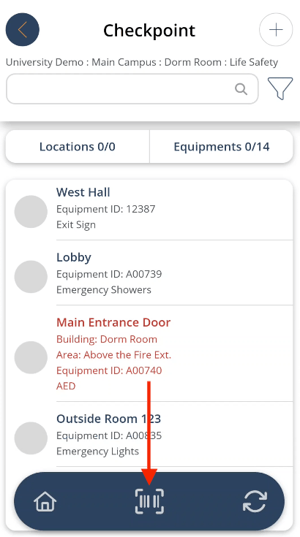
Once the barcode is scanned successfully, the scan window closes and the app automatically opens the checkpoint screen.
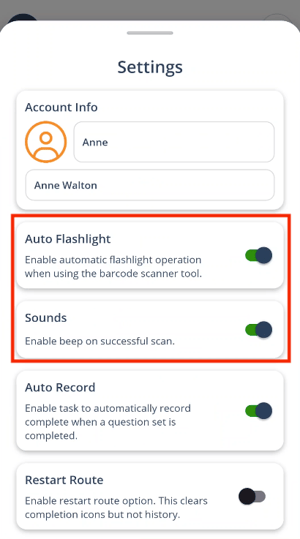
To improve camera scanning, you can set the flashlight to turn on automatically every time the camera scanner opens and/or produce an audible beep.
Use the side menu to navigate to Settings, then toggle Auto Flashlight and Sounds to the on position. This setting applies to the entire device and stays on until manually turned off.