.png?width=250&height=63&name=InspectTrack-Logo%20(1).png)
The app main menu contains many helpful features. It can be access two different ways.
Option One
From any screen in the app, swipe right on the screen and the menu will slide open.
Option Two
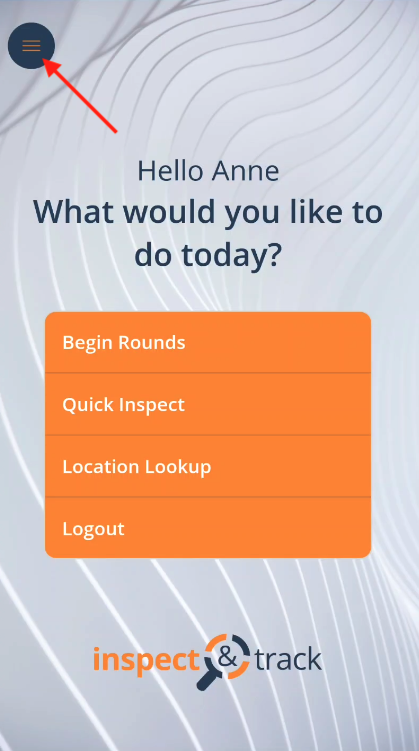
From the app home screen, press the menu button in the upper, right corner.
To close the menu, swipe left on the screen.